Website ownership
Website Handover Checklist for Small Business Owners
A simple website handover checklist covering domain access, hosting, source files, forms, backups and ongoing maintenance responsibilities. This guide offers a practical starting point; adapt the details to the way your business works.
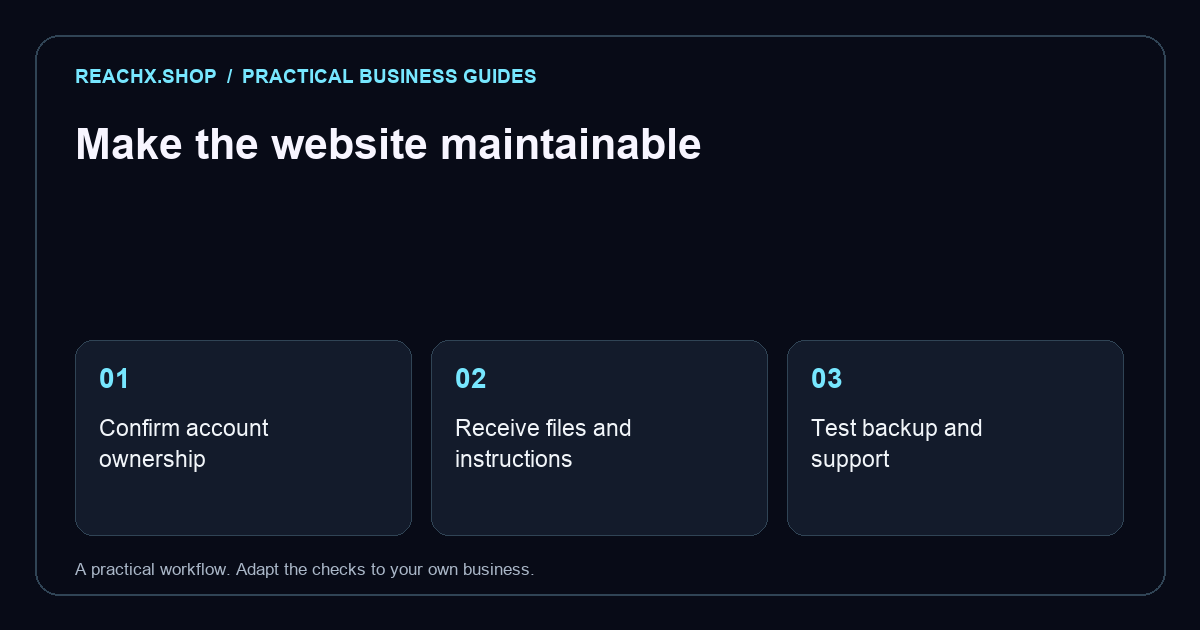
Agree ownership before the final handover
A working website is only part of a completed project. You also need to know who controls the domain, where the site is hosted and how future changes will be made. Discuss these points before the final payment or launch so neither side relies on assumptions.
List the accounts and assets included in the agreed scope. A custom-built website, a hosted website builder and a managed subscription can have different ownership and export arrangements. Ask for those arrangements in writing. Do not assume that owning a domain means owning every image, font or software component used on the site.
Check the accounts your business depends on
Confirm the domain registrar, hosting provider, website platform and business email provider. Where the arrangement allows it, keep business-owned accounts under an email address your business controls. Use individual invitations for collaborators rather than passing around a single shared login.
Before changing access, identify subscriptions or services that could stop working. A developer may manage several clients through one account, so an agreed transfer or separate account may be needed. Store recovery information securely and use the security options available from each provider. A general handover document should describe access arrangements without exposing passwords.
Request usable files and a short operating guide
For a custom site, ask where the source files are stored and how they are published. For a managed platform, ask which content can be exported and what depends on that platform. Confirm the use rights for photographs, copy, logos and paid assets.
A short guide should explain routine tasks such as editing contact details, publishing a blog, updating a product or changing a service description. Ask the person responsible to demonstrate one real update. A folder of files is less useful if nobody knows which version is live or how to restore it.
Complete a small set of launch checks together
- Send a test form submission and confirm where it arrives.
- Check important pages and navigation on a phone.
- Test booking, checkout or payment journeys where they are included.
- Confirm business contact details and any linked policies.
- Identify analytics and search reporting accounts, if part of the scope.
- Record the latest backup and the person responsible for recovery.
Write down issues and who will resolve them. Distinguish a launch defect from a new feature request so the support arrangement remains clear. For a redesign, also use our website redesign SEO checklist to review existing URLs and search visibility.
Decide who looks after the website next
Ask what the maintenance fee covers, when support is available and which costs renew separately. Domain renewals, hosting, paid plugins and content updates may be billed differently. Record the renewal dates and billing owner rather than relying on someone remembering them.
Keep an agreed way to request changes and review access when a supplier relationship ends. Ask for a practical recovery plan suited to the website: the ability to restore a static site is different from restoring a shop with recent orders. Reach X can discuss website development and handover requirements as part of a defined project scope. A good handover leaves the business able to maintain the site and understand its ongoing commitments.