Website redesign
Website Redesign SEO Checklist: Before and After Launch
Plan a website redesign without overlooking existing search traffic: inventory URLs, map redirects, preserve useful content and check the launch.
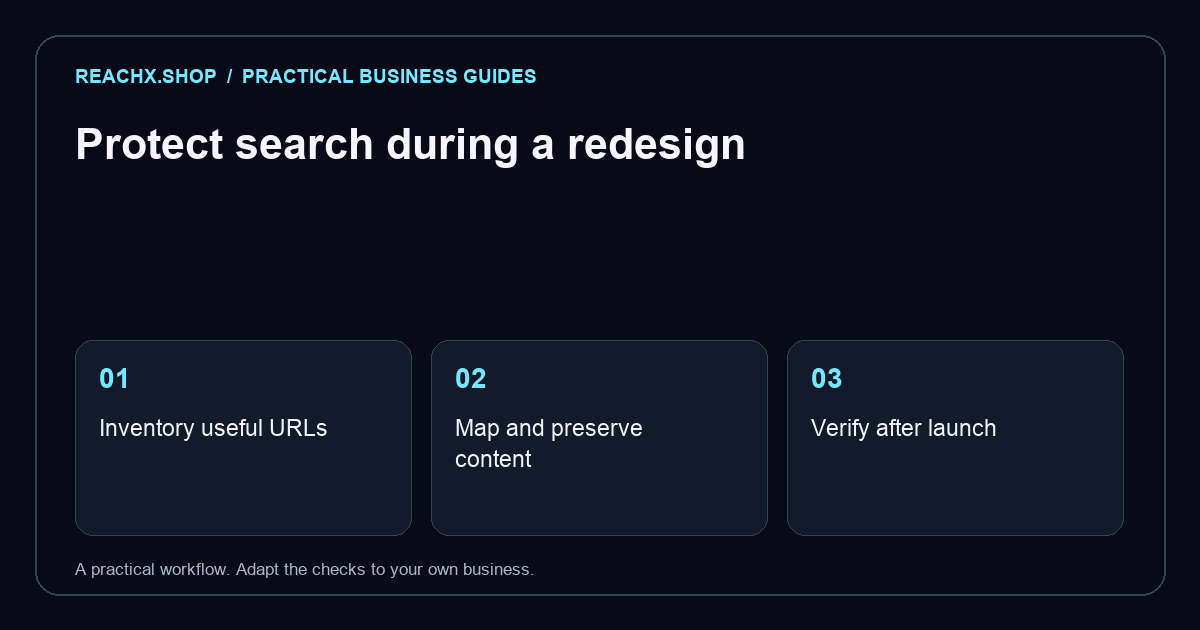
Start with what already works
Before choosing a new layout, list the pages that currently bring useful enquiries. Record each URL, its purpose, its main customer question and its next step. Keep copies of important page text and screenshots. A redesign brief should explain which problems need solving: confusing navigation, outdated services or a difficult mobile enquiry form. This gives the team a decision record when a visually attractive change removes something customers still need.
Build an old-to-new URL map
Put old URLs in one spreadsheet column and intended destinations in the next. Keep an existing address when its purpose remains the same. For pages that must move, ask your developer to implement permanent server-side redirects to the closest relevant replacement. Google’s site migration guidance explains redirects and post-launch monitoring. Do not send every removed service to the homepage: a visitor looking for a specific service still needs an answer.
Protect useful content and navigation
Review the important pages one by one. Does the new version still explain the offer, who it suits, the process and how to enquire? Keep genuinely useful answers, then improve unclear language. Make sure the homepage and service navigation link to the pages customers need. For example, a hypothetical repairs business replacing a “boiler repairs” page with a generic “solutions” page should first consider whether customers can still identify that exact service.
Check the staging site before release
Use a launch sheet with an owner and pass/fail result for each check. Test the primary enquiry route on a phone, including validation and the confirmation message. Check titles, descriptions, headings, canonical addresses and internal links. Keep a private preview out of search, but make sure production will not inherit a blocking rule. Ask who can roll back the release if the contact form fails. Agree on that process before launch day.
Verify the published site
Open both an old link and its intended new destination. Confirm the redirect reaches the right page without unnecessary intermediate hops. Check that important pages return successful responses and that removed pages behave intentionally. Update internal links and the XML sitemap to use the final addresses. Google recommends monitoring the migration in Search Console; indexing and rankings can fluctuate during a move. A launch is not finished just because the new homepage opens.
Keep a short monitoring log
For the first few weeks, record broken links, indexing changes and enquiry issues with the date and action taken. Compare equivalent periods where possible and annotate other changes, such as a new campaign. One quiet day does not establish a trend. Review the most commercially important pages first, then the longer tail. If you need a structured handover, explore our website redesign service and technical SEO support.