Ecommerce SEO
Ecommerce Product Page SEO: A Practical Store Checklist
Improve online-store product pages with clear product details, useful images, connected navigation and accurate price and availability information.
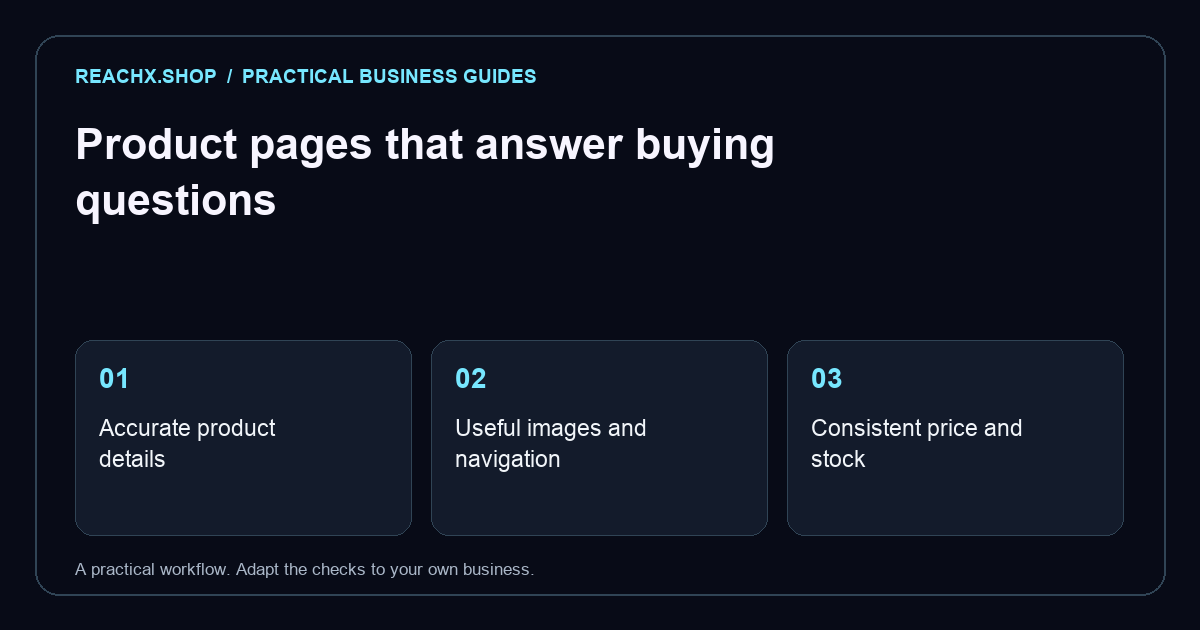
Answer the buying questions first
A product page should help a shopper decide whether the item fits their needs. Write down the questions your support team actually receives: dimensions, materials, compatibility, what is included and how to use the product. Put the answers near the relevant buying decision. Start with one representative product rather than changing an entire catalogue at once. This lets your team agree on a useful standard before repeating it across hundreds of items.
Use a precise title and description
Name the product in language a customer recognises, then include the detail that distinguishes it. As a hypothetical example, “Cotton tote bag, zip closure, 12L” is clearer than “Everyday essential”. Explain the practical benefit of the zip and capacity in the description. Avoid filling a page with repeated search phrases. Check the browser title, page heading and visible product name together so they describe the same item, even if the exact wording differs.
Show the product honestly
Use clear photographs of the actual item, including important details and a useful sense of scale. Describe informative images with meaningful alternative text. Put size charts and compatibility notes where shoppers can find them before checkout. If colours or sizes have different stock or prices, selecting an option should update what the shopper sees. Keep illustrative lifestyle images separate from factual specifications so customers can tell what they will receive.
Connect collections and product pages
Give shoppers a path from the main navigation to a relevant collection and then to the product. Include breadcrumbs and genuinely useful related items. Google’s ecommerce navigation guidance describes how links help it understand a store. Search and filter controls can assist shoppers, but important items should also have ordinary links. Check the same journey on a phone without relying on a desktop hover menu.
Keep search data consistent with the page
Where appropriate, use product structured data that matches the item, price and availability customers actually see. Google explains the distinction between product snippets and merchant listings. Markup creates eligibility rather than a promise of enhanced results. Do not invent reviews or ratings. When a store platform already generates this data, inspect its output before adding a second implementation that might contradict it.
Make the final decision easier
Before publishing, ask someone unfamiliar with the item to choose a variant and explain the total buying process. Can they find delivery information, returns guidance and a support route? Are the cart and checkout consistent with the product page? Keep a checklist of missing answers and fix the ones that prevent a confident purchase. Our ecommerce website development service can help plan the storefront; our website and SEO audit can identify pages to review first.