Search visibility
Local SEO Checklist: 5 Steps for Small Businesses
Check your Google Business Profile eligibility, business details, service pages, reviews and enquiry tracking. Follow the five phases below in order.
When someone searches for a nearby business, they need clear answers: do you offer the right service, can you help in their area, and how do they contact you? A useful local SEO plan makes those answers easy to find.
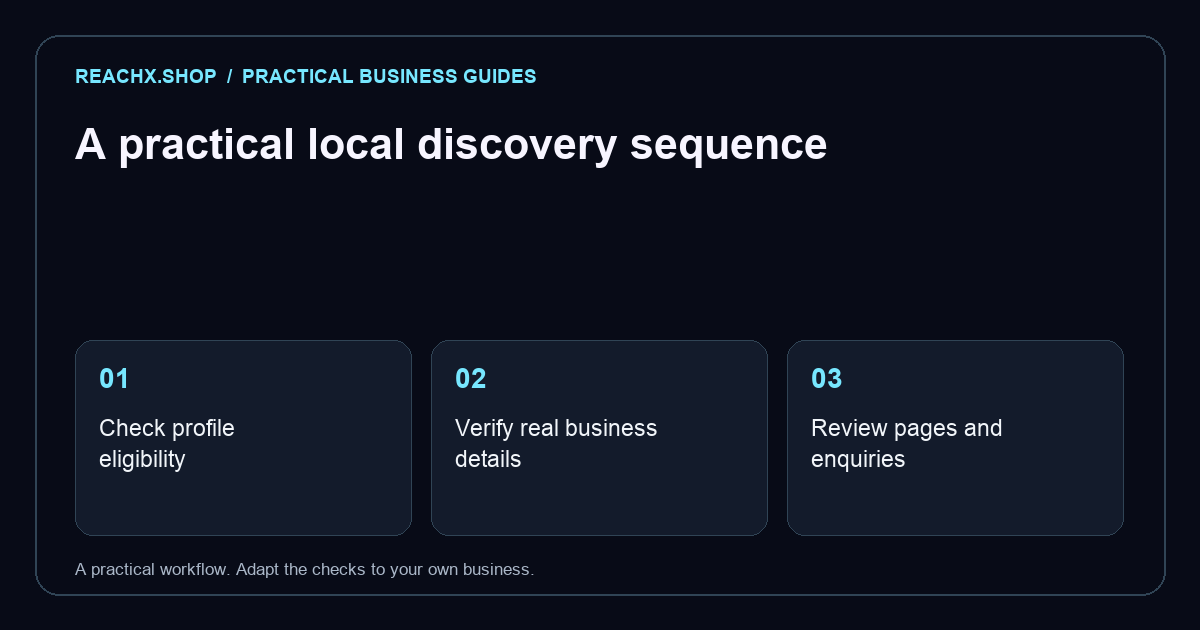
Use this five-step local SEO checklist to decide what needs attention first. Start with the earliest unfinished phase:
- Check eligibility: confirm whether your business qualifies for a Google Business Profile before creating one.
- Verify business details: use accurate names, categories, contact details, hours and genuine service areas.
- Review service pages: explain what you offer, where you work and how customers can contact you on a phone.
- Request genuine reviews: invite honest customer feedback without incentives or selective review requests.
- Measure enquiries: compare search visibility and profile interactions with actual calls, forms and booked work.
For online-only businesses that are not eligible for a Business Profile, focus on useful service pages and organic search measurement. Do not create a false address or location page.
Phase 1: Check whether a Business Profile fits your business
Before creating a Google Business Profile, confirm eligibility. Generally, your business must make in-person contact with customers during its stated hours. That can mean welcoming them at a genuine business location or travelling to them. Online-only businesses are ineligible; Google lists limited exceptions for certain business types in its eligibility guidelines.
- Check whether an existing profile already represents your business before creating another.
- Confirm that you or an authorised representative controls the profile.
- Complete the verification steps Google provides.
- If customers do not visit your business address, use the appropriate service-area setup and hide the address. Describe the areas you actually serve. A business that both receives customers and visits them may qualify as a hybrid business. Google's service-area guidance
If you operate entirely online, continue with useful website content and measurement. Do not invent a storefront to obtain a profile.
Phase 2: Make the business details trustworthy
Check the profile against how the business operates today:
- Use the real-world business name recognised by customers. Do not add promotional phrases or location keywords that are not part of it.
- Enter the correct address or service area, phone number and website.
- Choose the most specific category that accurately describes the core business; add further categories only where they genuinely apply.
- Keep customer-facing hours and relevant holiday hours accurate, following any rules for your business type.
- Describe the services you actually provide and use genuine, current photographs.
These checks follow Google's business representation guidelines. Keep the corresponding website information accurate too, especially after a move, rebrand or change in opening hours.
Google explains local ranking through relevance, distance and prominence: the match to a search, proximity to the searcher and how well-known the business is. You can improve the information you provide, but cannot control a customer's location or pay Google for a better local ranking. Google's local ranking guidance
Phase 3: Give each service page a useful purpose
Review your main service pages as a prospective customer would. Each should explain what the service includes, who it suits, where it is available and what happens after an enquiry. Make the contact option easy to use on a phone, and test the form yourself.
Where relevant, add genuine information such as access arrangements, travel limits, appointment requirements or photographs of your work. Explain details that help a customer decide whether you can serve them.
Create a separate location page when it has a distinct, useful purpose. Replacing the town name in otherwise identical pages adds little for readers. Google's doorway-abuse policy includes substantially similar pages and region-targeted pages that funnel visitors to the same destination. Google Search spam policies
Link useful guides to the relevant service page and link important pages from your site's navigation or other relevant content. Use descriptive link text that explains the destination. Google's internal-link guidance
Phase 4: Ask for honest reviews consistently
Make requesting feedback part of your normal customer follow-up. Invite genuine customers to share their experience without suggesting a rating or writing the review for them.
Do not offer discounts, gifts or payment for reviews. Avoid review gating: asking customers about satisfaction and sending only the happy ones to Google. Google prohibits incentives, discouraging negative reviews and selectively soliciting positive reviews. Google Maps review policies
Reply thoughtfully to feedback, protect customers' private information and use recurring concerns to improve the service itself.
Phase 5: Build a weekly measurement habit
Use a simple log with columns for the date, changes made, search interactions, qualified enquiries and booked work. Follow this workflow each week:
- Check profile information, new reviews and any unexpected changes.
- Review Search Console queries and service-page impressions and clicks. These describe search visibility and traffic, rather than completed enquiries. Search Console's performance report
- For an eligible profile, review available Business Profile interactions. Its “Calls” metric counts call-button clicks, which does not establish that a conversation occurred; website clicks count clicks on the profile's website link. Business Profile performance definitions
- Compare those interactions with completed forms, answered enquiries and bookings in your own records. Record the source where you can reliably identify it.
- Choose a specific improvement, document it and compare consistent reporting periods. Avoid drawing conclusions from an isolated fluctuation.
Hypothetical example: A cleaning company receives more website clicks but no additional suitable enquiries. Checking its form reveals that customers cannot tell which services are available. The next action is to clarify the service options and test the enquiry process. This illustrates a diagnostic approach, not a promised outcome.
Copy this local SEO action log
For each check, record the evidence, the person responsible and one next action. Use confirmed business facts rather than filling gaps with a guessed address or service area.
- Eligibility: record how customers meet the business in person, the existing profile URL if applicable, and who controls it. If online-only, mark the profile task not applicable.
- Business details: compare the website and profile name, phone, hours and real service area. Record each mismatch and its owner.
- Service page: choose one priority service URL and check the offer, coverage, useful evidence and contact action on a phone. Record the first missing answer.
- Reviews: record the neutral invitation process and who replies. Do not store customer contact details in a public worksheet.
- Measurement: record the date range, relevant query impressions and clicks, then separately count confirmed enquiries and their fit. Compare the same length of time in the next review.
Example: A mobile repair service visits customers but publishes an old phone number on its service page. The first action is to correct and test that number, then update the eligible profile if needed. This is a fictional prioritisation example, not a client result.
Start with the earliest unfinished phase. For help planning the work, explore ReachX's local marketing services or SEO services.