Website planning
Small Business Website Checklist: 7 Steps Before Launch
Use seven practical checks to plan your pages, prepare content, agree ownership and test the site before launch. Copy the project brief to share with your developer.
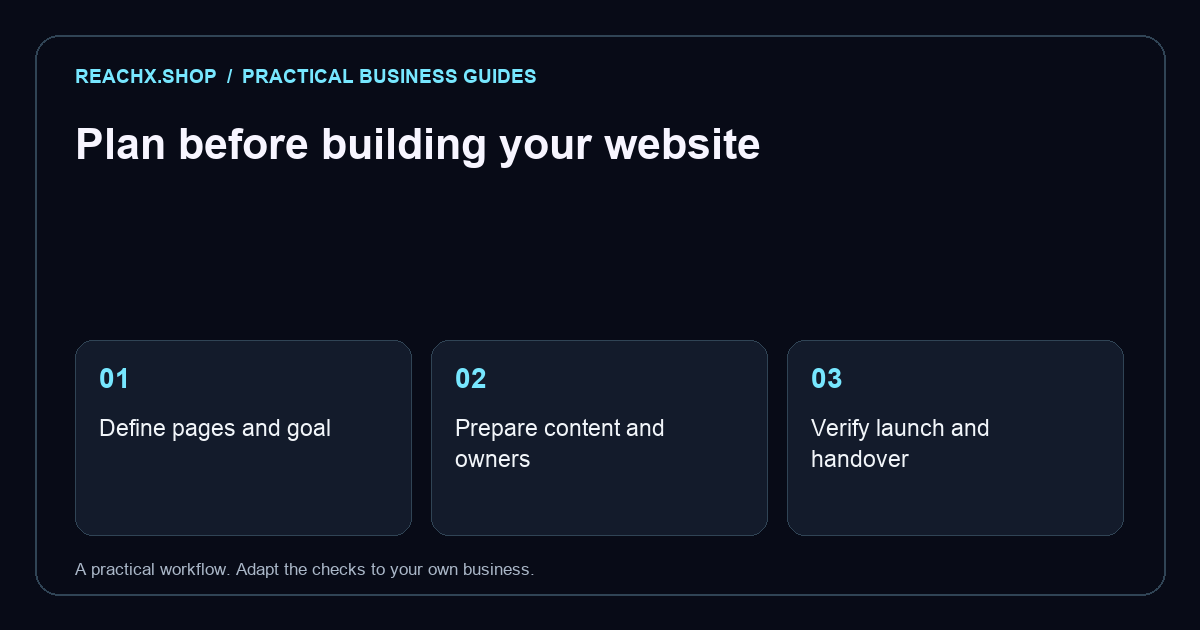
A website project starts with decisions about your business: who you serve, what visitors need to know and what you want them to do. Preparing those answers gives a developer a useful brief and makes it easier to compare proposals covering the same work.
Use this small business website checklist before requesting a quote and again before launch. For each step, record what is ready, what is missing and who will complete it:
- Goal and pages: choose one primary customer action and the pages needed to support it.
- Content: prepare approved service details, images and contact information, with one content owner.
- Ownership and costs: confirm business access to the domain, hosting, source files and recurring subscriptions.
- Customer tasks: test mobile navigation, keyboard access and an enquiry delivered to the correct inbox.
- Search setup: check unique page titles, canonical URLs, crawl access and Search Console ownership.
- Project brief: copy the worksheet below and agree scope, responsibilities, budget and acceptance checks.
- Launch and upkeep: remove placeholders, check HTTPS and backups, and assign ongoing updates.
Define the goal and the first version
Choose a primary action: request a quote, book an appointment, buy a product or contact your team. Then describe the audience, including the countries and languages you serve.
List the pages needed for that action. A service business might need a homepage, services, about, frequently asked questions and contact page. A shop needs product information and a purchase journey. Separate launch essentials from features that can wait.
For each feature, explain the workflow. “Booking” could mean a contact form or a live calendar with payments and reminders. Specify currencies, time zones, shipping regions and third-party systems where relevant.
Gather content and assign an owner
Prepare your business name, contact details, service descriptions, logo and images you have permission to use. Add practical information customers ask for: availability, locations served, delivery times and what happens after an enquiry.
Create one folder for approved material and name one person to approve it. Mark missing copy or photography clearly, and agree whether your team or the developer will produce it.
Use real testimonials only with permission. For ecommerce, prepare product variants, stock rules, shipping information and return policies. Decide which policy pages your business requires and who will provide approved wording.
Agree on ownership, costs and handoff
Record who owns and manages the domain, hosting, website platform and connected accounts. Use business-controlled accounts and give the developer appropriate access without sharing your main passwords.
Ask the proposal to identify recurring subscriptions, renewal responsibilities, revision rounds and support after launch. Confirm who receives the website files, content and design assets, along with any licence restrictions.
The handoff should include instructions for routine edits, a backup and recovery process, and access to analytics or search tools that have been set up. Ask for a demonstration of the edits you expect to make yourself.
Write practical acceptance checks
A design review should include the tasks customers will perform. Agree on these checks before development:
- On a phone, text stays readable, navigation works and pages have no unintended sideways scrolling.
- Links and buttons have clear labels and can be reached with a keyboard, with a visible focus indicator.
- Forms have understandable labels, useful error messages and a confirmation after submission.
- An enquiry reaches the intended inbox, and someone is responsible for responding.
- Important images have appropriate text alternatives, and information is not conveyed by colour alone.
- If you sell online, a test purchase checks payments, confirmation emails, shipping calculations and cancellation or refund handling.
Test with realistic content, including long names and product titles. Confirm which browsers and devices are included in the testing scope.
Include search basics in the brief
Give each page a clear subject and useful content. Agree on descriptive page addresses and unique titles that accurately describe each page, consistent with Google's SEO Starter Guide.
Ask who will check that intended public pages are accessible to search engines and set up Search Console access. Decide whether the site needs a sitemap: it can help Google discover URLs, although it does not guarantee indexing. Google's sitemap guidance explains its role.
For a redesign, give the developer a list of existing pages and agree which addresses will stay, change or need redirects.
After publishing: inspect the important public URLs in Google Search Console, check indexing and canonical decisions, and fix the actual cause of a problem before requesting indexing again. A sitemap and an indexing request are discovery signals, not promises of a ranking or a click. Our technical SEO guide explains the crawlability and page signals to review. Monitor impressions, clicks and useful enquiries for the pages that matter to your customers.
Copy this project brief worksheet
Fill in these fields before your first developer conversation:
- Business and audience: What do you offer, and who needs it? Include locations and languages.
- Primary action: What should a visitor complete?
- Launch scope: Which pages and features are essential? What can wait?
- Content: What is ready, what is missing and who approves it?
- Connections: Which payment, booking, email or customer systems are needed?
- Delivery: What is your budget range, target date and decision process?
- Ownership and acceptance: Who controls the accounts, and which tasks must pass before launch?
Hypothetical example: An independent bookkeeping business wants English-speaking shop owners to request a consultation. Its first version has five pages and an enquiry form. The owner supplies approved copy and photographs. Launch acceptance includes mobile navigation, keyboard access and a successful enquiry delivered to the business inbox.
Prepare for launch and ongoing updates
Before publishing, approve the final content, contact details and policy links. Check that placeholder text is removed, forms work, the domain connects correctly and the website loads securely. Confirm the backup process and who can restore the site.
Assign responsibility for updating services, products and contact information. Choose a review date after launch to inspect enquiries, broken links and customer feedback.
Once your brief is ready, explore ReachX's website development services. If you already have a site, ReachX's website redesign services offer a relevant starting point for discussing changes.