Website investment
Website Refresh vs Redesign: A Small Business Decision Guide
Decide how much of your website needs to change. Use the evidence worksheet, compare three realistic situations and agree a scope before paying for a rebuild.
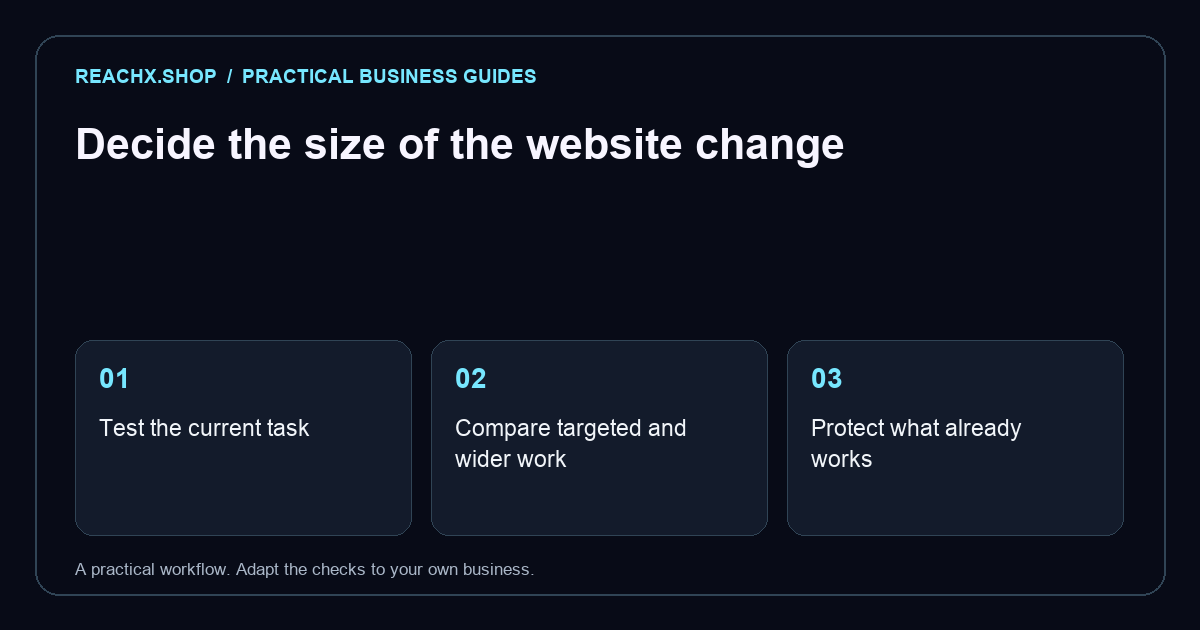
Start with a customer task you can test
A website refresh makes selected improvements within the current setup. A redesign reworks a broader part of the experience, such as its page structure, content system or main customer journeys. A platform migration is a separate decision: a redesign can keep the existing platform, and a migration can preserve much of the design.
Begin by writing one task a visitor should complete: finding a service, requesting availability or booking a consultation. Try it on your phone and record the point where it becomes difficult. “The site feels old” is a starting observation. “Customers cannot find which service covers their problem” gives a team something specific to investigate.
Our working rule is to choose the smallest coherent scope that fixes the verified problem. This is a planning method, not a guarantee of more enquiries. If the cause is uncertain, commission a short diagnosis with a written output before committing to either option.
Compare the work rather than the project label
| Decision | Focused refresh | Broader redesign |
|---|---|---|
| Pages | Keep a useful structure; improve selected sections. | Reorganise pages around changed services or customer tasks. |
| Content | Clarify existing copy and replace outdated material. | Plan new page purposes and a coordinated content inventory. |
| Functionality | Repair or improve a contained journey. | Reconsider workflows that the current setup cannot support. |
| Technology | Usually retain the existing system. | Evaluate the current system; change it only with a reason. |
| Search and launch | Check changed pages, links and enquiry tracking. | Plan a wider launch test and URL mapping where needed. |
Agencies use these labels differently. Ask a supplier to identify the templates, pages, integrations and acceptance checks included. A quote called a refresh may include substantial development; a redesign proposal may cover only a new homepage.
Collect a compact evidence pack
Choose your homepage, one important service page and the enquiry destination. For each, record its purpose, the information a visitor needs and any observed failure. A screenshot and a short description often make feedback clearer than a long list of design preferences.
- Customer clarity: can someone explain the offer after reading the page, using their own words?
- Enquiry delivery: does a realistic test reach the right person and show a useful confirmation?
- Content editing: can the business make a routine update without an unexpected workaround?
- Search discovery: which existing pages receive relevant impressions, clicks or links?
- Mobile access: can a visitor read the content, use the navigation and complete the task?
Check performance issues individually. A large image or a third-party widget might explain a slow page without requiring a platform replacement. A single speed score does not diagnose the whole website. Our mobile speed checklist helps organise that investigation.
Three situations and a sensible first scope
A local studio has current services but an unclear homepage
Hypothetical example: visitors can book successfully, staff can edit pages and service pages remain accurate. The homepage uses an old promotion and a vague heading. Start with a homepage refresh: replace the promotion, describe the offer clearly and link to the right services. Agree a review point before extending the work.
A consultancy now serves two different customer groups
Hypothetical example: the existing navigation mixes both audiences, while every enquiry uses the same generic form. Plan the page structure and enquiry routes together. A broader redesign could be appropriate even if the current publishing platform stays. The core issue is how customers understand the services.
A growing shop needs a different order workflow
Hypothetical example: manual stock updates and disconnected orders cause repeated operational work. First document the required inventory, payment and fulfilment behaviour. Evaluate integration options before deciding to migrate. A new visual theme alone would leave the workflow problem unresolved.
These scenarios illustrate decisions; they are not ReachX client case studies or measured results.
Ask for two scopes when the decision is unclear
Ask the supplier to describe a contained improvement and a wider alternative using the same business goal. For each, request deliverables, dependencies, exclusions, acceptance criteria and an explanation of what remains unresolved. This makes the tradeoff visible without assuming the larger project is better.
Compare the full commitment: design and development, copy preparation, subscriptions, migration, staff training and support. Use the same time period when comparing recurring costs. Exact prices and delivery dates depend on the agreed work, content readiness and review process; a generic industry range is not a quote for your business.
Also ask what can be tested before launch. A prototype can check whether visitors understand a new page structure. A technical investigation can check whether an integration is practical. Neither should be presented as proof that future sales will rise.
Protect the useful parts of the current site
Save an inventory of important URLs before making changes. Include pages that receive relevant search visits, attract links or support existing campaigns. Record the current content and its destination in the proposed structure. Keeping a useful URL is often simpler than changing it just to match a new visual style.
If URLs must change, plan their corresponding destinations, redirects, updated internal links and sitemap entries. Google’s site-move documentation recommends preparing a URL mapping and monitoring the change. It also explains that search rankings can fluctuate while moved pages are processed.
Keep the detailed migration work in a launch plan, with an owner for checking it after publication. Our redesign SEO checklist covers that implementation stage; this article helps you decide the project scope that comes before it.
Copy this decision worksheet
Fill this out before requesting proposals:
- Business goal: the customer action we want to support is ___.
- Observed problem: a visitor gets stuck at ___; our evidence is ___.
- Keep: the pages, content and systems that still work are ___.
- Change: the minimum connected changes we need are ___.
- Uncertainty: we need to test or investigate ___ before choosing a solution.
- Acceptance: we will approve the work when these tasks pass: ___.
- Ownership: ___ supplies content; ___ approves it; ___ maintains the result.
- Review: we will inspect the agreed measures on ___.
At review, compare like periods and note other changes, including promotions or a new advertising campaign. For a low-traffic site, successful task tests and enquiry delivery may give more useful early evidence than a small change in conversion percentage.
Questions owners ask before choosing
Does an older website automatically need a rebuild?
No. Age alone does not show whether the site meets current customer and business needs. Investigate the tasks, editing requirements and technical condition before deciding.
Can we refresh one section and redesign the rest later?
Yes, where the work can be separated sensibly. Agree which changes will remain useful in the later phase so you can identify possible rework in advance.
Will a redesign improve Google rankings?
It may address real content or technical gaps, but a new appearance does not establish a search improvement. Preserve useful pages, verify the launch and measure relevant queries and enquiries.
For a defined review, bring the completed worksheet to ReachX’s website and SEO audit. If a wider project is justified, explore our website redesign service and agree the deliverables before work starts.